


Coworking spaces have been growing, and they’re becoming communities of freelancers, digital nomads, as well as small and big teams. But, because they’re so complex, the best coworking management software is aimed at helping you manage all your members and workspaces.
Before I started writing this, I checked many lists on Google, and most only list features with no real comparison. That’s why I wanted to write a more useful guide to help you choose the best coworking software, as well as suggest the best options on the market.
I looked over 30 different platforms, but 8 really stood out. These are the ones that have the most features, competitive prices, and are easy to use for admins and members. Don’t just take my word, as I relied on what real operators say about these.
While I cover why I picked each one, how much they cost, and where they could be improved, it’s also a good idea to actually let you understand my criteria for picking these specific platforms.
How I picked these
My main criteria for filtering these 30 platforms down to 8 are:
- How easy they’re to use and set up
- What their feature set is and how deep their functionalities go
- If they have transparent pricing and value over time
- How their member portal looks and works
- Integrations and flexibility
- Customer support
I read all of these tools’ recent reviews on G2 and Capterra to gauge what real operators are saying and get actual opinions on how these work. On top of this, I checked out their product pages and how their pricing works to understand where they have an edge. That’s why I’ve included both my opinion and quotes from reviews for each tool.
The best coworking software at a glance
| Tool | Best for | Starting price | Rating |
| Archie | Mid-sized & growing spaces, multi-location | From $165/mo | 4.9 |
| Spacebring | Small to mid-sized spaces | From €158/mo ($187) | 4.8 |
| Optix | Mobile-first, automation-focused spaces | From $197/mo | 4.8 |
| Nexudus | Large operators needing deep customization | From $150/mo | 4.7 |
| OfficeRnD | Complex, enterprise-level operations | Quote-based | 4.7 |
| Cobot | Small spaces just getting started | From €54/mo ($63) | 4.6 |
| Yardi Kube | Large enterprises in the Yardi ecosystem | Quote-based | 4.6 |
| Coworks | Community-first spaces (incubators, makerspaces) | From $149/mo | 4.5 |
Comparing the best coworking tools
Each coworking space has its specific needs, with some needing more analytics, while others want more community features. That’s why different platforms work for different spaces. Let’s check each one out.
1. Archie
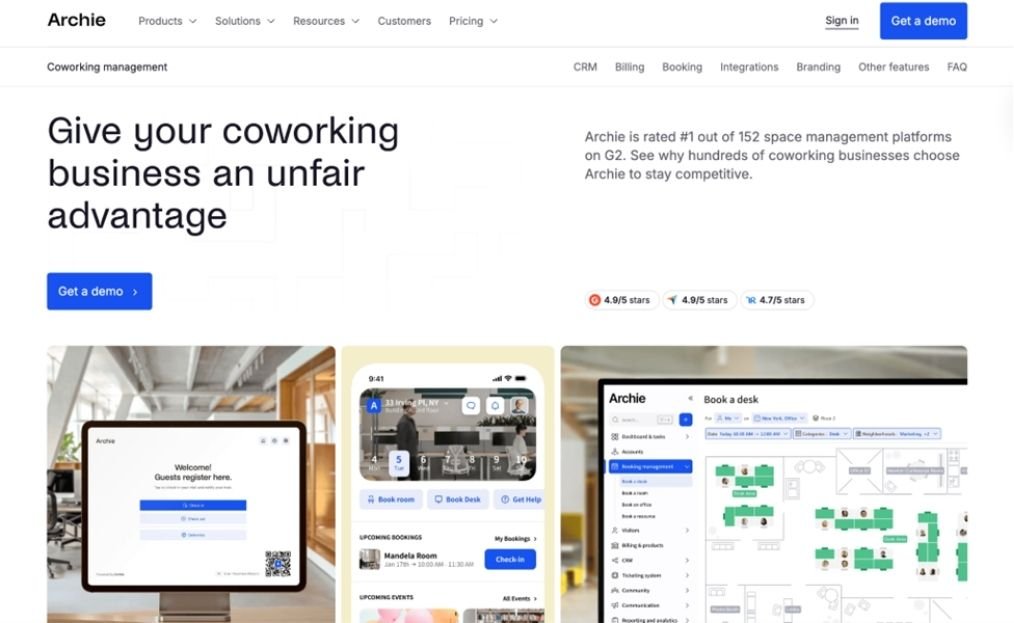
Archie started out as a coworking management platform, and, while it’s separated some of the main modules and expanded into office space and advanced visitor management, it still has one of the most advanced coworking software solutions out there. It works well for mid-sized and/or growing spaces, as well as multi-location operations that want enterprise-level features with a smooth member experience and transparent pricing.
Why I picked Archie
Archie combines all the core coworking features in a single platform that’s easy to set up, with transparent per-location pricing that keeps costs predictable as you grow. The feature that stood out the most to me is the built-in e-signatures. Operators can manage contracts and collect signatures directly on the platform, instead of relying on external tools like DocuSign or stitching together workarounds.
Where it falls short
Smaller spaces that just need booking or some light member engagement tools might find Archie to be too much, too soon.
How much does Archie cost
Archie charges based on how many locations and active members you have, with active members counting as those who book a resource or are on an active subscription plan:
- Starter: $165/month (1 location, up to 100 active members)
- Pro: $257/month (up to 2 locations, up to 200 active members, includes white-label domain, visitor management)
- Enterprise: Custom pricing
Extra locations start at $90/month, packs of 50 members cost $50/month, and the white-label mobile app is $90/month per location.
2. Spacebring
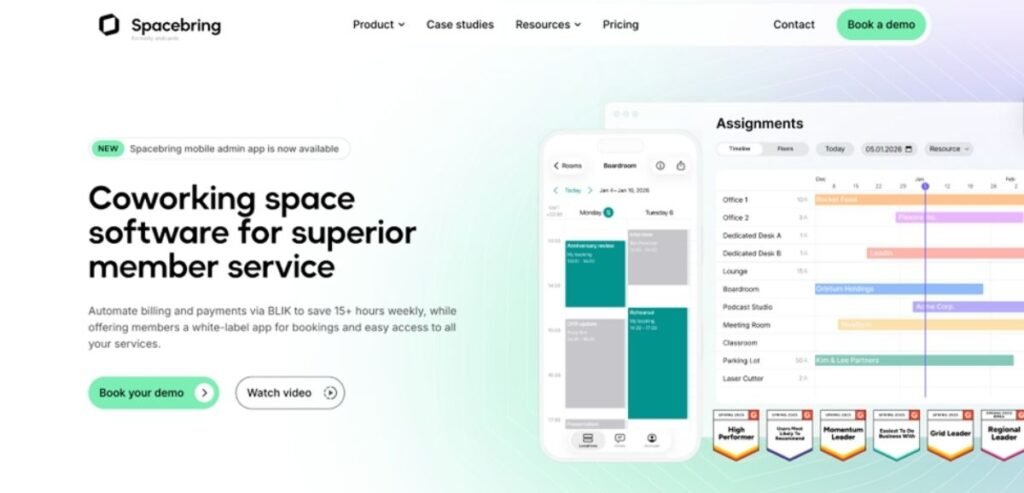
Spacebring (formerly andcards) is a great option for smaller and mid-sized coworking spaces. It provides some solid features, much like Archie, and I have to note that the team constantly adds new features and updates (the most recent being an admin mobile app and e-signatures through integration).
Why I picked Spacebring
Spacebring stands out for its exceptional, multi-language customer support. Across most reviews I read, operators were praising it for being quick and actually making changes to the platform based on feedback. Since Spacebring is used across the world, the multilingual aspect of the support is also a huge plus, as it supports several European languages, plus Kazakh and Korean.
Where it falls short
One of the main shortcomings of Spacebring, in my opinion, is the support hours. Since the team caters to operators across the world, customer support is only available until 5pm Eastern Time. This can be an issue for North American spaces, but considering how great the support is, it balances out.
Also, according to a few reviews, there are some feature gaps, which could be essential for your space. From what I found, the onboarding flows aren’t as advanced. Also, some features like floor plans and visitor management are only available as add-ons, instead of being included in the main plan.
How much does Spacebring cost
Spacebring used to offer tiered pricing, but recently changed to one plan that includes everything and an enterprise plan:
- Business: €158/month ($187) for 1 location and up to 100 members (billed yearly with a 6-month commitment)
- Enterprise: Custom pricing
Extra locations cost €50/month/location, and other add-ons include the member mobile app (€100/month for the first location, €75/month/location for additional ones), visitor management (€50/month/location), and floor plans (€25/month/location + one-time fee)
3. Optix
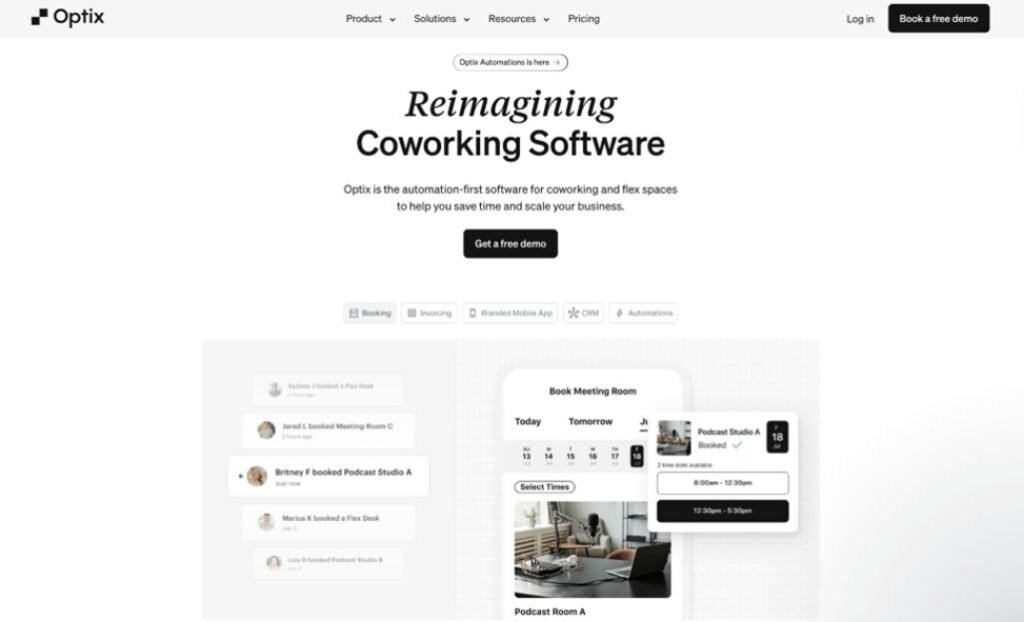
Optix is another coworking space management platform that focuses primarily on the mobile experience. The member-facing side lives on mobile, and the software has set the standard for how mobile member apps should be. This is also why it’s popular for mid-sized spaces that want a mobile-centric tool.
Why I picked Optix
Optix’s biggest differentiator is its visual workflow automation builder, which lets operators automate onboarding sequences, reminders, and routine processes without writing code. It’s all visual, as well, which makes it much easier for admins to configure these.
Where it falls short
Optix heavily focuses on mobile, which means there’s no full-fledged web version for members. On the contrary, when it comes to admin tools, these are only available on the web version.
Another negative about Optix, in my opinion, is how the pricing is structured:
How much does Optix cost
Optix has different tiers based on how many active users your space has (though, they don’t mention who counts as an active user, so double-check that during your demo):
- Essentials: $197/month (50 users, 1 location)
- Pro: $299/month (100 users, 1 location)
- Grow: $498/month (250 users, 1 location)
- Scale: Custom pricing
This isn’t as competitive as other coworking software, with most providing at least 100 members at that price point (or even cheaper). Plus, the full automation package, Automations+, starts at $50/month. Visitor management is $42/month extra on Essentials and Pro (but is included in Grow and Scale, which is great). Extra locations are available on Pro (up to 2 at $85/month each) and Grow (up to 5 at $68/month each).
4. Nexudus
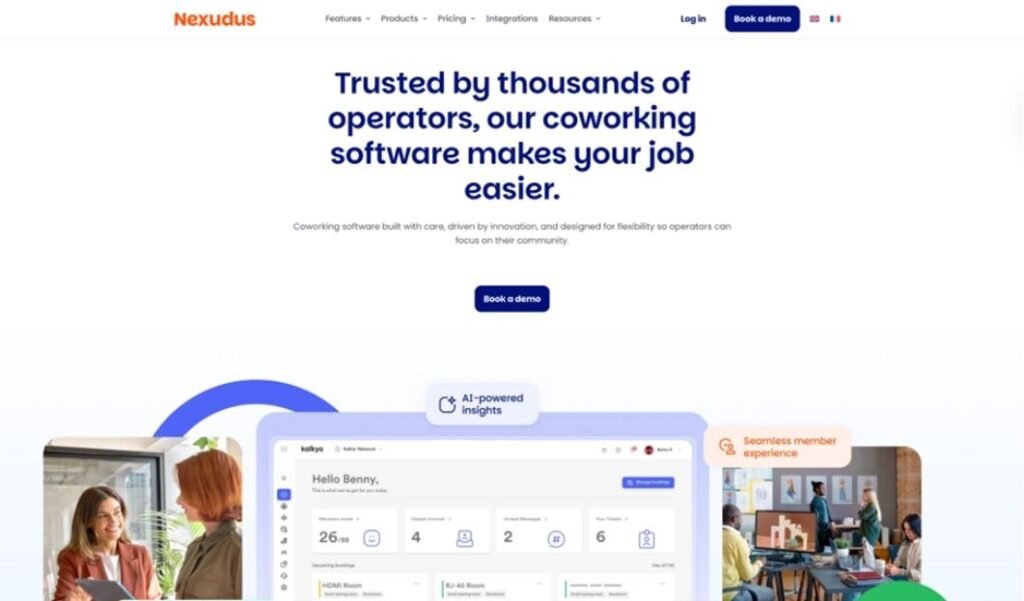
Nexudus is one of the oldest and most feature-rich coworking platforms on the market, so I couldn’t leave it out here. It’s specifically built for larger operators that want the advanced features it offers across customization and reporting. And, it offers all that at a very competitive price point, as we’ll see below.
Why I picked Nexudus
Nexudus gives operators more customization and integration options than most other coworking platforms. The standout is full HTML/CSS customization of the member portal. If you have the technical chops (or someone in the team who’ll take care of it for you), you can completely redesign pages, layouts, and the overall member experience, not just swap logos and colors. On top of that, it has 80+ native integrations and a very intuitive analytics/reporting module, Nexudus Explore and Explore Pro.
Where it falls short
With most advanced workplace tools, the main complaint is the learning curve. When it comes to Nexudus, as noted by many reviews, the platform just has so many different configurable features that most of them can get lost in menus.
This can directly affect member experience, since when flows are difficult to set up for admins, the members are the ones who get the end of it.
How much does Nexudus cost
On a more positive note, Nexudus pricing starts at $150/month/location for up to 80 active users. For up to 150 members, the price increases to $194/month/location, scaling based on active member count
Some of the most common add-ons include:
- White-label mobile app: $150/month for up to 5 locations (meaning that multi-location operators can get white-labeling for as low as $30/month/location)
- Explore Pro analytics: $100/month + $25/month per location
5. OfficeRnD
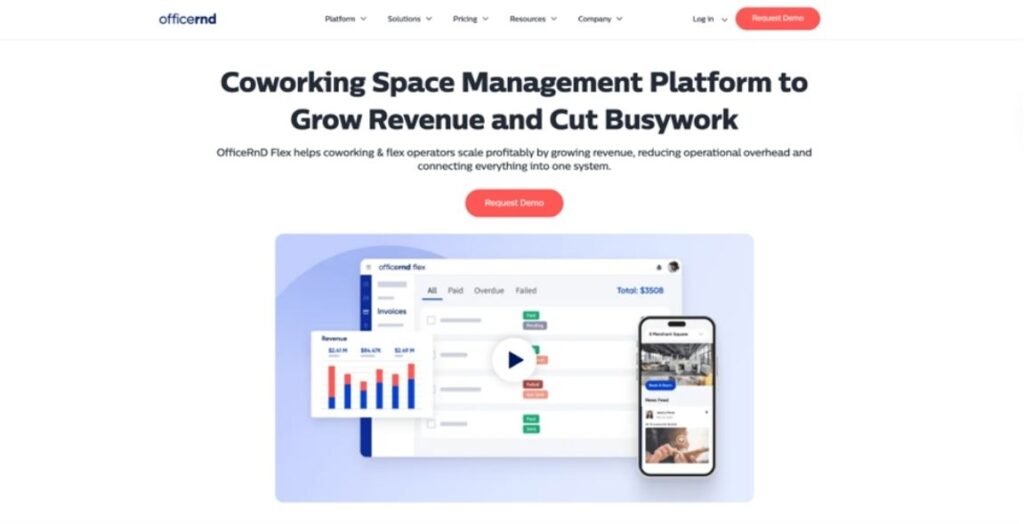
OfficeRnD takes a similar approach to Nexudus, offering a complete coworking software with some of the most advanced analytics and reporting on the market, which is perfect for more complex, enterprise-level coworking operations. I’m only covering OfficeRnD Flex here, as there’s also Hybrid for hybrid offices.
Why I picked OfficeRnD
OfficeRnD is a strong pick for more complex coworking operations that need deep analytics and reporting to make data-driven decisions about their space. The platform provides operators with detailed insights into occupancy, revenue, member behavior, and booking patterns. All of these features are neatly packaged as “hubs”, and give you the kind of data you need to optimize pricing, space allocation, or plan expansions.
Where it falls short
Similar to Nexudus, OfficeRnD suffers from complexity vs. ease of use. Since it’s arguably more in-depth than any other tool on this list, many of the workflows are not easily configurable. As reviews have mentioned, this can lead to billing issues, but it can also affect the rest of the operations.
Pricing transparency is also one big issue with OfficeRnD
How much does OfficeRnD cost
OfficeRnD is one of the two platforms I’ve included in this list that doesn’t offer public pricing. For larger spaces, which the tool targets, this can make things difficult when it comes to budgeting, as you’ll have to book a demo and get a quote.
They used to have a tier charged at $165/month/location, but this might not be accurate today.
6. Cobot
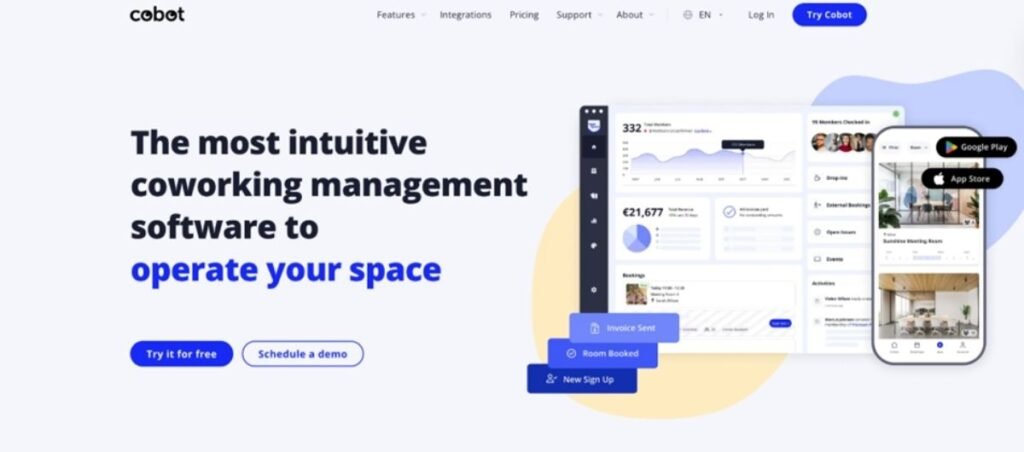
Cobot is a very established coworking software, with the team behind it being in the space since the mid-2000s. It might not be as well-known as others, primarily because it offers core features for smaller spaces at transparent pricing, rather than providing all the analytics and reporting tools like Nexudus or OfficeRnD.
Why I picked Cobot
Cobot is a simple, reliable tool with a pay-as-you-grow pricing model that makes it ideal for smaller teams just getting started. So your software cost scales directly with your revenue. There are no processing fees on member transactions either. If you’re running a small space and want a platform that covers just the basics without overcomplicating things, Cobot delivers that.
Where it falls short
The biggest drawback is what Cobot doesn’t have. There are no e-signatures, no floor plan views, and no member-to-member messaging. Also, I had a bit of a difficult time finding real complaints for operators, because most of the reviews on G2 and Capterra are old, and there aren’t many reviews to really gauge how the tool works.
How much does Cobot cost
Cobot uses a single plan that scales by paying member count:
- Starts at €54/month ($63) for up to 10 paying members (yearly billing)
- At ~100 paying members: approximately €347/month ($408)
- Enterprise: For 180+ users, there’s custom pricing
Some of the optional add-ons are:
- External Bookings: €15/month ($18)
- Premium support: €99/month ($117)
7. Yardi Kube
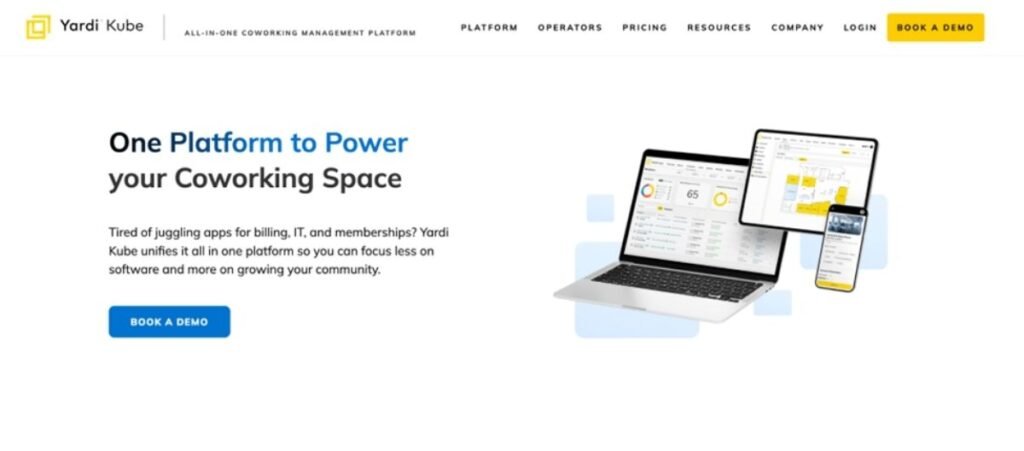
Yardi Kube is the most enterprise-focused platform on the list, alongside OfficeRnD. It’s part of the Yardi ecosystem, which offers property and accounting features and is built for larger, multi-location operators who want everything in one platform, including something no other coworking software offers: built-in IT and WiFi management.
Why I picked Yardi Kube
Yardi Kube’s biggest advantage is that it’s part of the native Yardi ecosystem. If you’re already using Yardi products, adding Kube is probably the best option, as all your operations will live in one system. If you’re a larger operator that values having a single platform across your entire portfolio, the Yardi integration is something no standalone coworking tool can match.
Where it falls short
The biggest issue is pricing transparency. There’s no public pricing, no free trial listed, and you’ll need to go through demos and sales conversations to get a quote. That makes it very difficult to compare with other options or budget accurately before committing.
How much does Yardi Kube cost
Yardi Kube uses custom, quote-based pricing. There are no publicly available plans or tiers, and the platform does not currently list a free trial.
8. Coworks
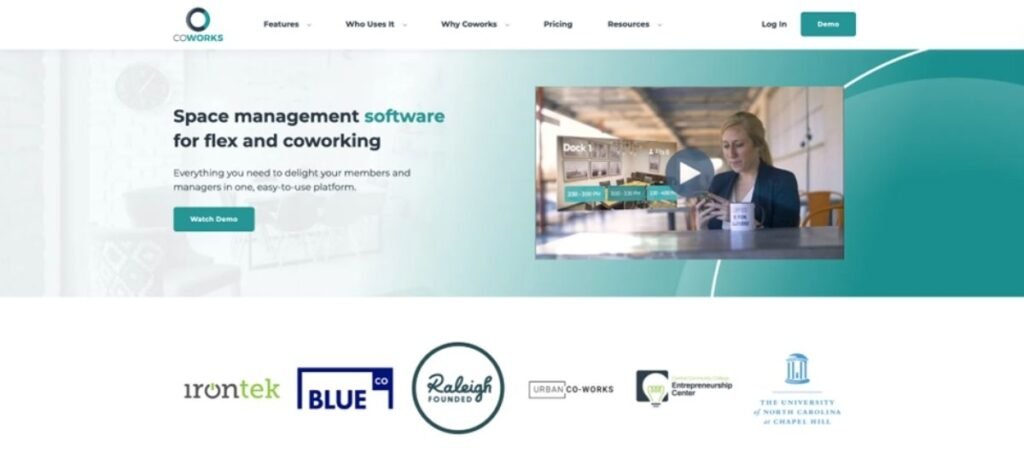
Coworks takes a community-first approach to coworking management. The platform was built for spaces where member engagement matters as much as booking desks. Spaces that would benefit from this include incubators, makerspaces, social clubs, and community-focused coworking spaces.
Why I picked Coworks
Coworks is built around community features, and that’s what makes it stand out. The event management, member directory, and community feed are all designed to keep members connected and engaged. That’s why I highly suggest you look into it if you can sacrifice some of the more advanced operational features for the community feel.
Where it falls short
The most significant limitation is that Coworks’ feature set isn’t as in-depth. Features like the automated billing (in my opinion, one of the most critical features for any coworking operator) is locked behind the Premium plan at $249/month. Most competitors include this at their base tier, and having to manage billing manually (or pay nearly double) just to get automated invoicing is a real drawback.
Beyond that, the integration options are also more limited than those of larger platforms. For growing or larger operations, you’ll likely hit feature limits fairly quickly.
How much does Coworks cost
Coworks offers three pricing tiers:
- Hybrid Workspace: $149/month (annual), up to 150 members
- Coworking Premium: $249/month (annual), up to 250 members
- Enterprise: Custom pricing (unlimited members)
The Hybrid Workspace plan includes the mobile app, unlimited bookings, event management, front-desk and room tablet apps, check-ins, announcements, lead capture, and basic analytics.
The Premium plan adds automated billing, guest bookings, day pass management, membership signup forms, and the Passport feature for multi-location access.
How to choose the right software for you
There are many more options on the market, but I think this list will have enough to help you make your choice. When it comes down to it, here are some of the main things to consider.
Does it have all the features you need?
Start out by understanding what features you need. If you only need basic bookings and community engagement, a lighter tool like Coworks or Cobot might be enough. If you also need automated billing, visitor management, CRM, analytics, and contract management, you’ll want a more complete platform like Archie, Nexudus, or OfficeRnD.
Is it easy to use?
This is arguably more important than the features. More advanced platforms tend to have so many features that aren’t easily configurable or get lost in the menus. So, make sure to book demos from all the platforms you’re considering to really understand if they’ll be easy to use for admins.
Do real users like the tool?
Review sites like G2 and Capterra are going to be your best bet to see what real operators have to say about these tools. Volume of reviews and actual rating matters, as a 4.9 from 5 reviews tells you a lot less than a 4.7 with 100 reviews. Pay special attention to what operators have to say about admin ease, onboarding times, and customer support.
The Verdict
If I had to recommend one coworking software for most spaces, it would be Archie. The member experience is intuitive across web and mobile, and the billing system is reliable and hard to misconfigure. Built-in e-signatures, visitor management, CRM, and deep integrations with the tools your team already uses make it a platform that can grow with you.
That said, every space is different. If your members live on their phones and you want strong automation, Optix delivers on mobile experience and workflow tools.
- If you need deep customization and don’t mind a steeper learning curve, Nexudus gives you more control than anyone else.
- If outstanding customer support is your top priority, Spacebring consistently gets the highest marks there.
- If you’re a small European space that values transparent, revenue-aligned pricing, Cobot does the basics well at a low starting price.
- If you want a modern, polished UX without enterprise complexity, OfficeRnD is a strong middle ground.
- If you’re running a community-first space like an incubator or makerspace, Coworks keeps things simple and affordable.
- And if you’re a large, multi-location enterprise that needs IT management alongside coworking software, Yardi Kube is purpose-built for that scale.